Publish Game Sumary on BrainFit Chat App
This feature is for SA, ML, CA, Trainer.
- Navigate to ACP.
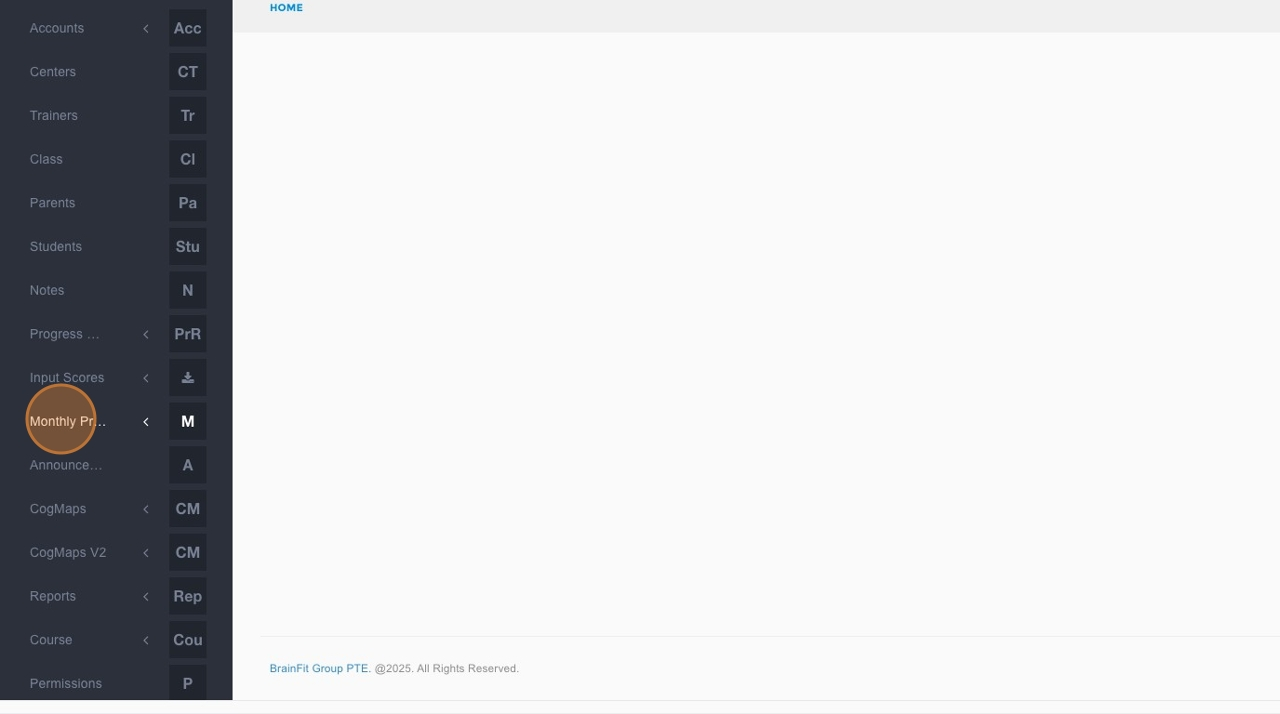
- Click Monthly Progress Reports in the navigation menu.
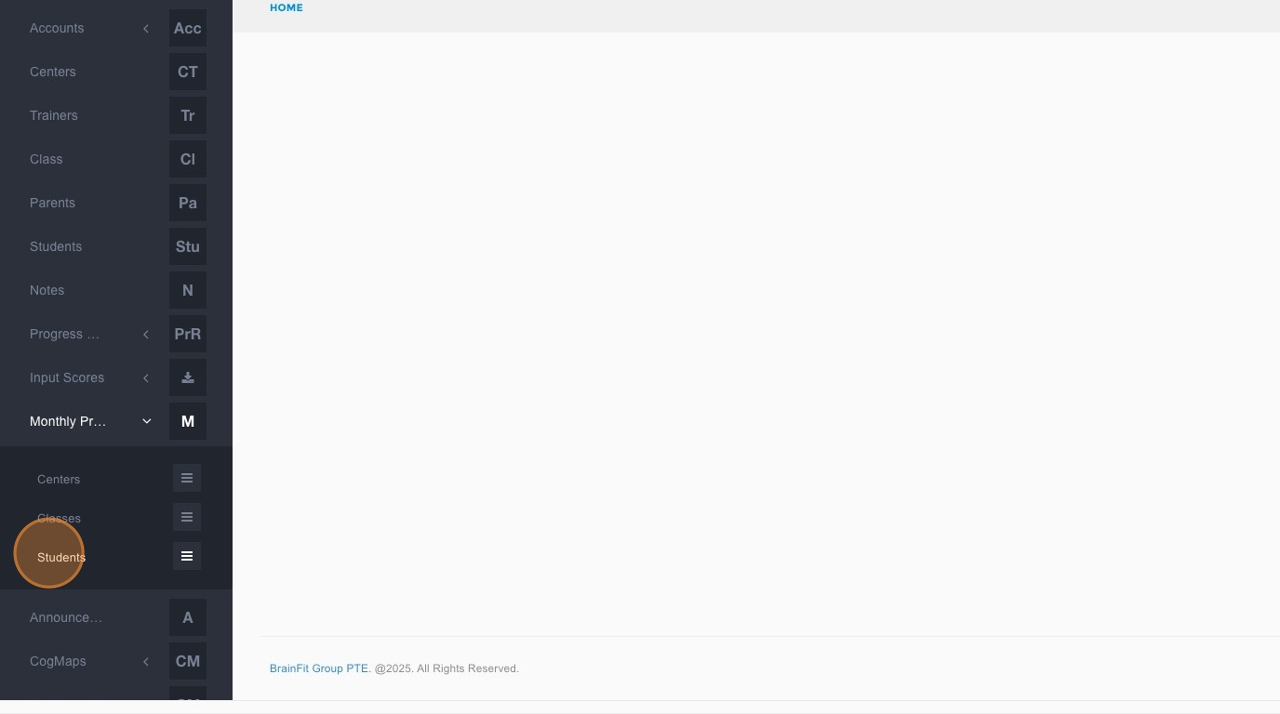
- Click Students in the submenu.
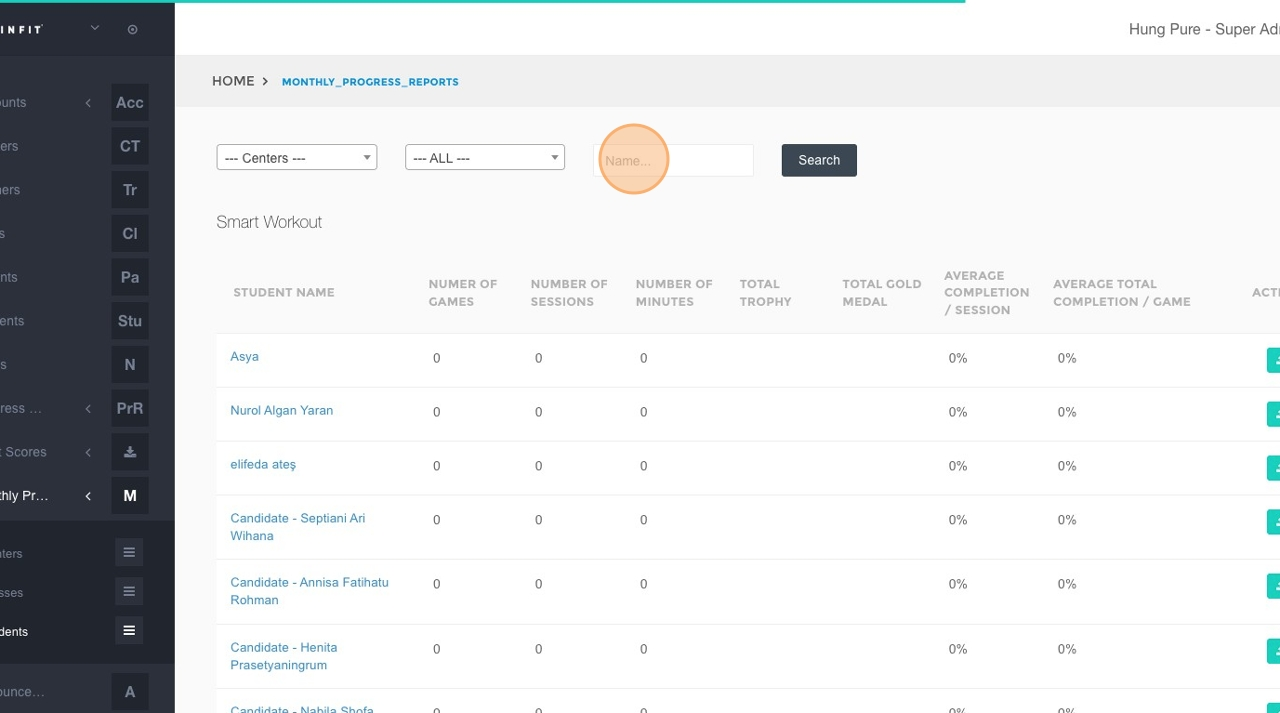
- Click within the "Name..." search field.
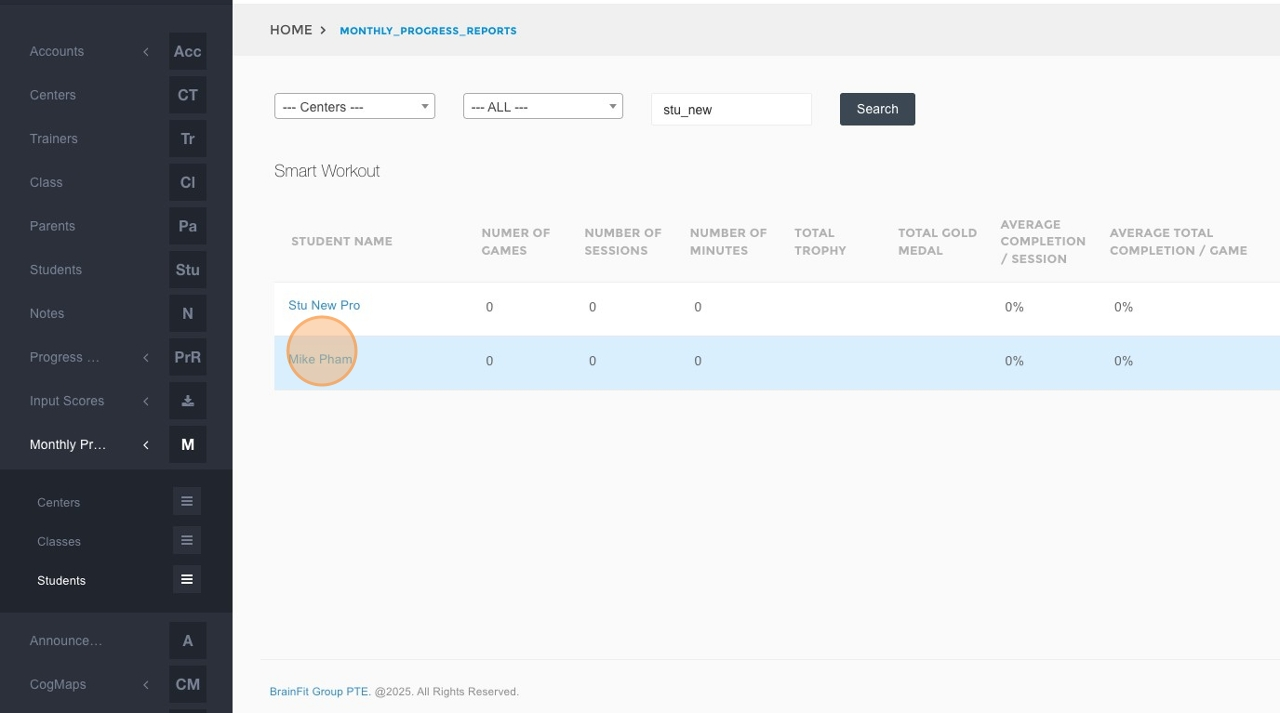
- Type the name of the student whose game summary you want to manage.
- Click the Search button.
- Click on the specific student's name from the search results.
- Locate the game summary you wish to publish or unpublish and click the corresponding toggle button.
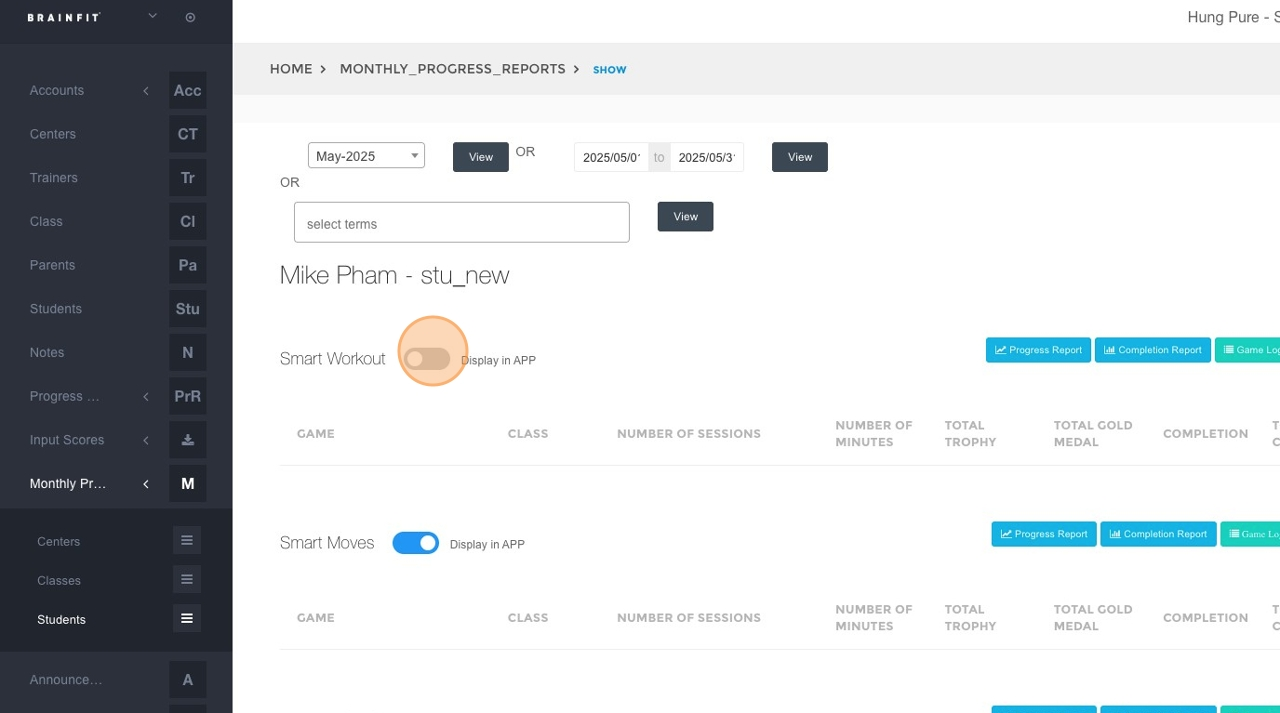
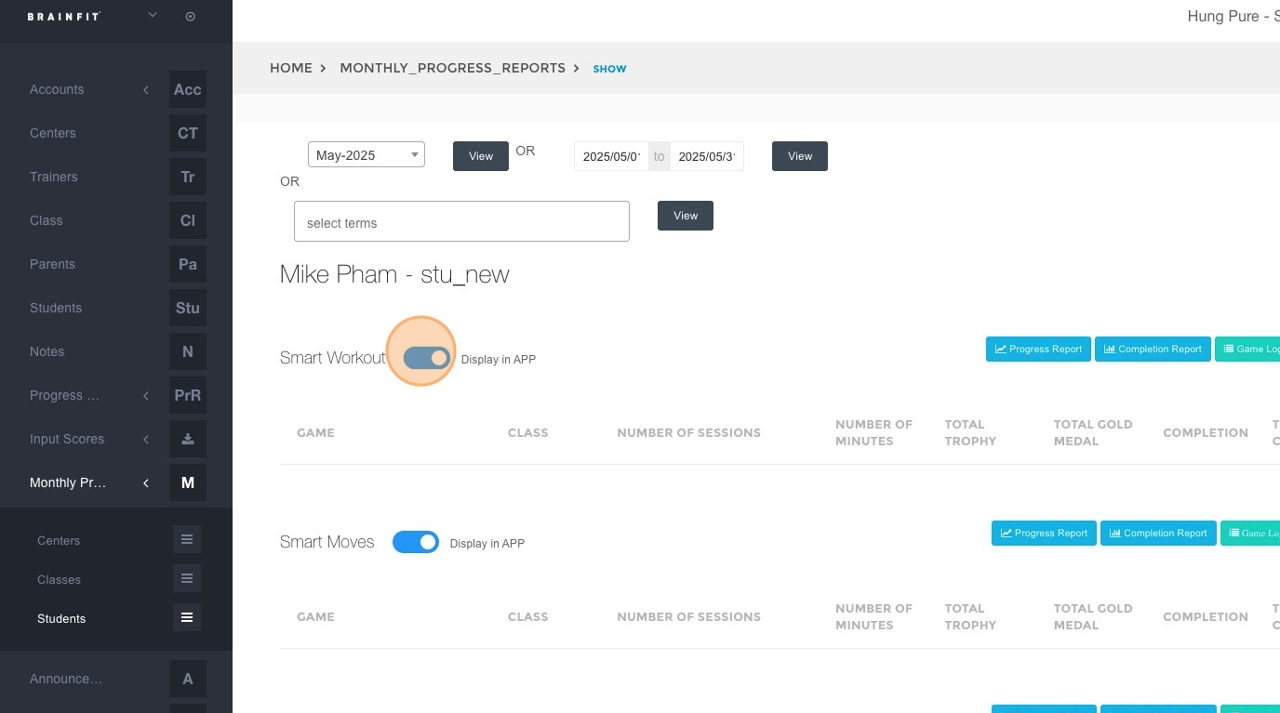
- Repeat step 8 for any other games for this student that you want to publish or unpublish.